OnePDFPlace · Free online PDF editor
Edit PDFs online.
Free. Simple.
Privacy-focused.
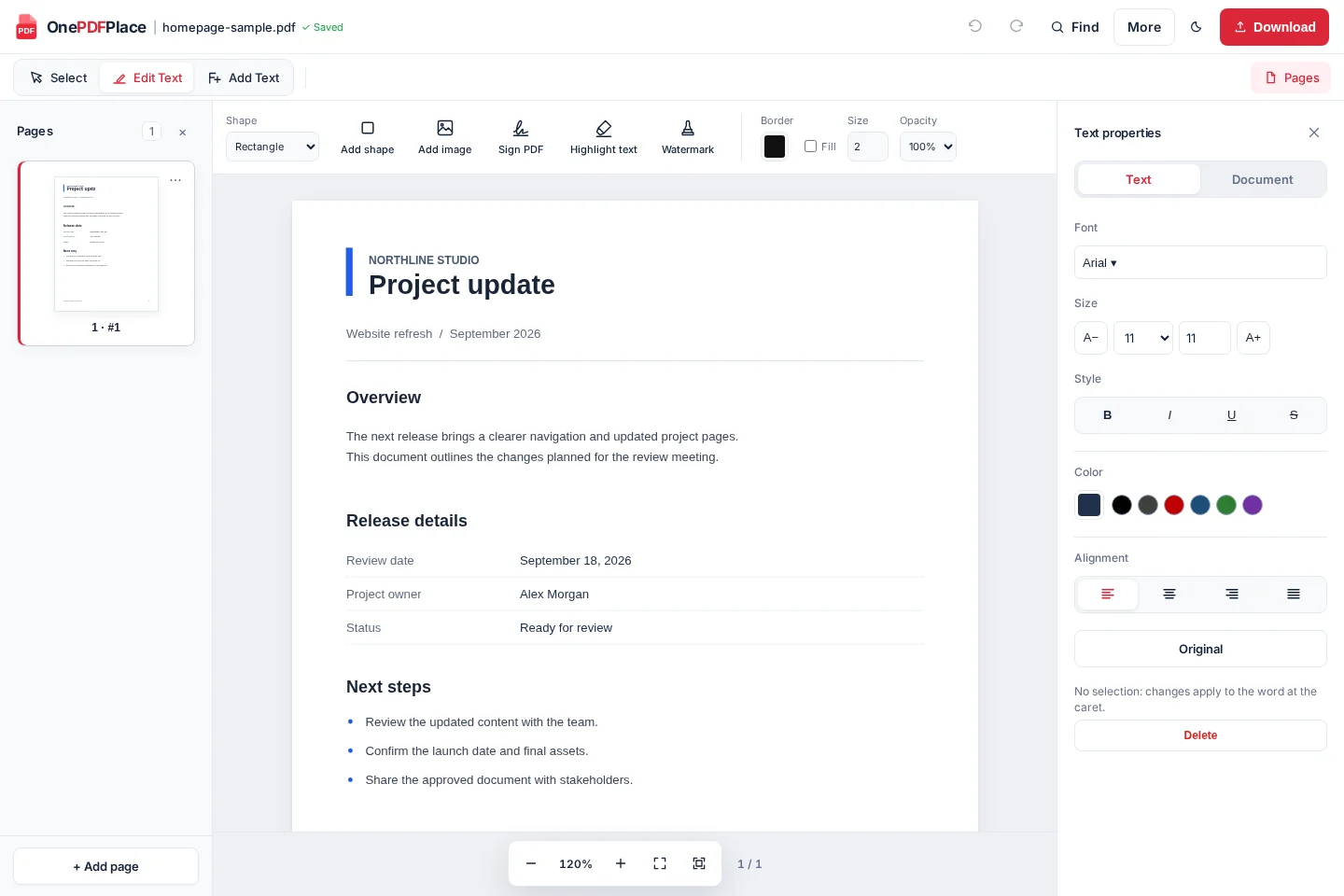
Edit existing text, add images, sign and highlight your PDF. No account or installation required.
- No account neededStart with your PDF
- Free to edit & downloadNo payment required
- Privacy-focusedNo saved document library
or drag & drop your PDF here
PDF files only · One file at a time
No sign-up. Free downloads. Your privacy
Just your PDF.
Free from start to finish.
Clear from the start
Your files & privacy
No account, no saved document library. You can edit and download without building an online archive.
Our Privacy Policy explains how documents are processed and how your information is handled.
One free editor. Everything for your PDF.
Edit text, add a signature or organize pages in the same editor.
Edit PDF text
Correct a name, a date or a paragraph.
Add text
Put new text exactly where you need it.
Sign your PDF
Add a drawn, typed or uploaded signature.
Highlight text
Make the important parts stand out.
Add images
Place an image right on the page.
Organize pages
Reorder, rotate or remove pages.
Every PDF is different. Review your downloaded file before sharing, especially with complex layouts or unusual fonts.
How to edit a PDF online
- 1
Upload
Choose a PDF or drop it into the upload area.
- 2
Edit
Change existing text, add text or adjust formatting.
- 3
Download
Save your updated PDF to your device.
Help with your next PDF edit
Follow the steps in the editor, and know what to check in your download.
How to edit existing text in a PDF
Correct a name, date or paragraph, then check the downloaded result.
How to add a visual signature to a PDF
Draw, type or upload a signature, position it and review the exported PDF.
How to reorder PDF pages
Use page thumbnails and page options to put a document in the right order.
Questions before you start?
A few details about editing PDFs here.
Is this PDF editor free?
Yes. You can upload, edit and download your PDF for free. No sign-up or payment is required.
Can I edit text that is already in a PDF?
Yes, in supported PDFs. Choose Edit text in the editor, then select the text you want to change. Complex layouts and unavailable fonts can affect results.
Can I add new text to my PDF?
Yes. Choose Add Text to place a text box, then adjust its position, size and formatting.
Where is my PDF processed?
Your PDF is uploaded to our server to prepare it for editing and generate your download. No account or saved document library is provided. See the Privacy Policy for file-handling details.
Can I edit a scanned or password-protected PDF?
Scanned pages may need OCR, and editable text is not guaranteed. Results depend on scan quality and the processing setup. Password-protected PDFs cannot currently be edited.
Your next PDF edit? It’s free.
Upload your document and make the changes you need.